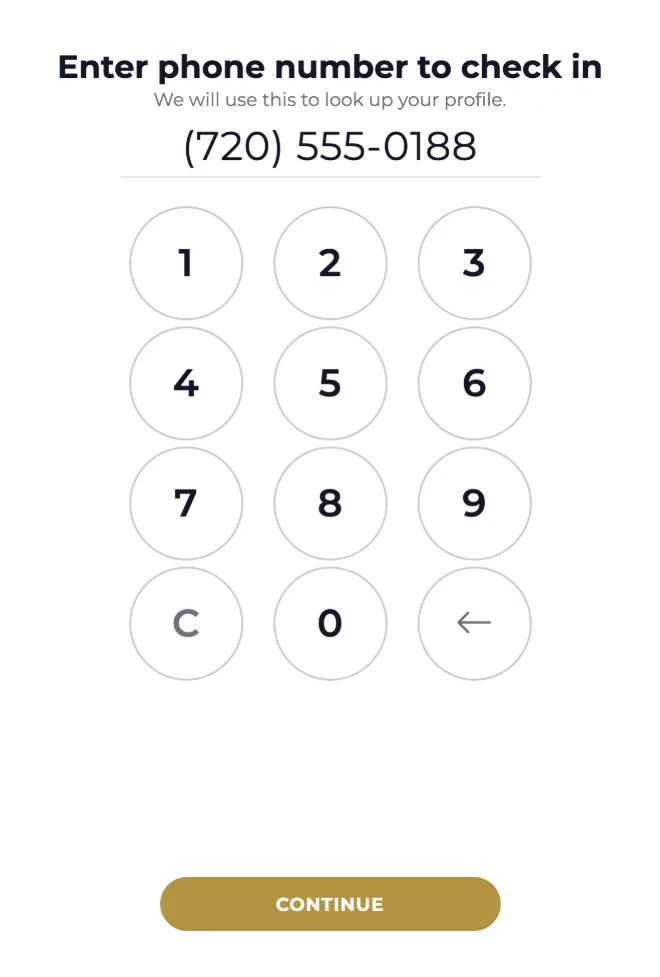
A guest walks in, enters a phone number, and picks what they came for. By the time they look up, the front desk already has the name, the party, and the services.
No app to download and no account to create. The guest types the number they already know, and Aura looks up who they are and whether they booked anything today. Someone new just adds a name.
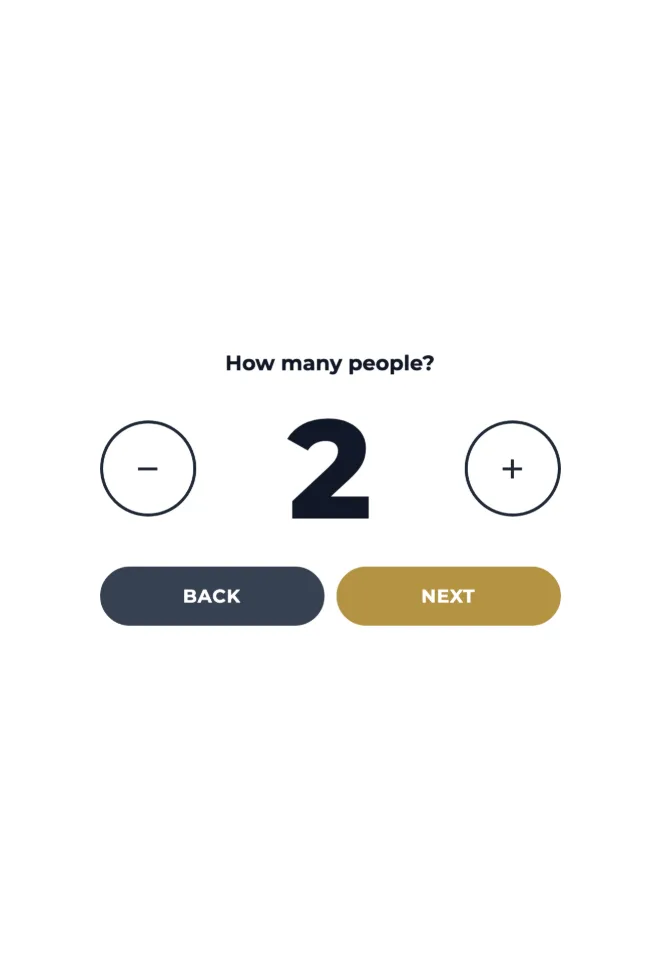
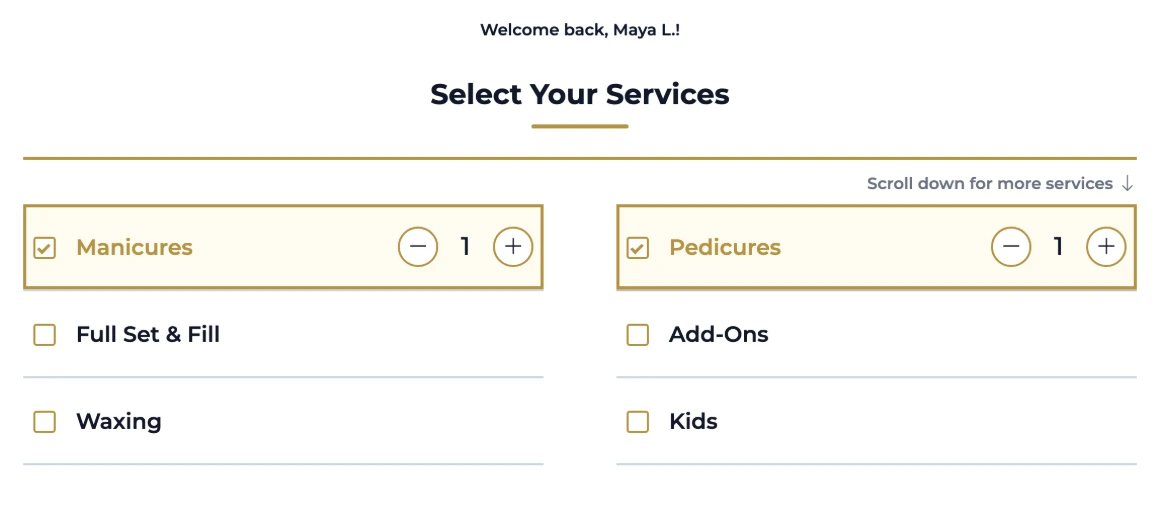
One phone number often means three chairs. The guest sets the party size on the kiosk, so the front desk learns it before it starts seating people rather than after.
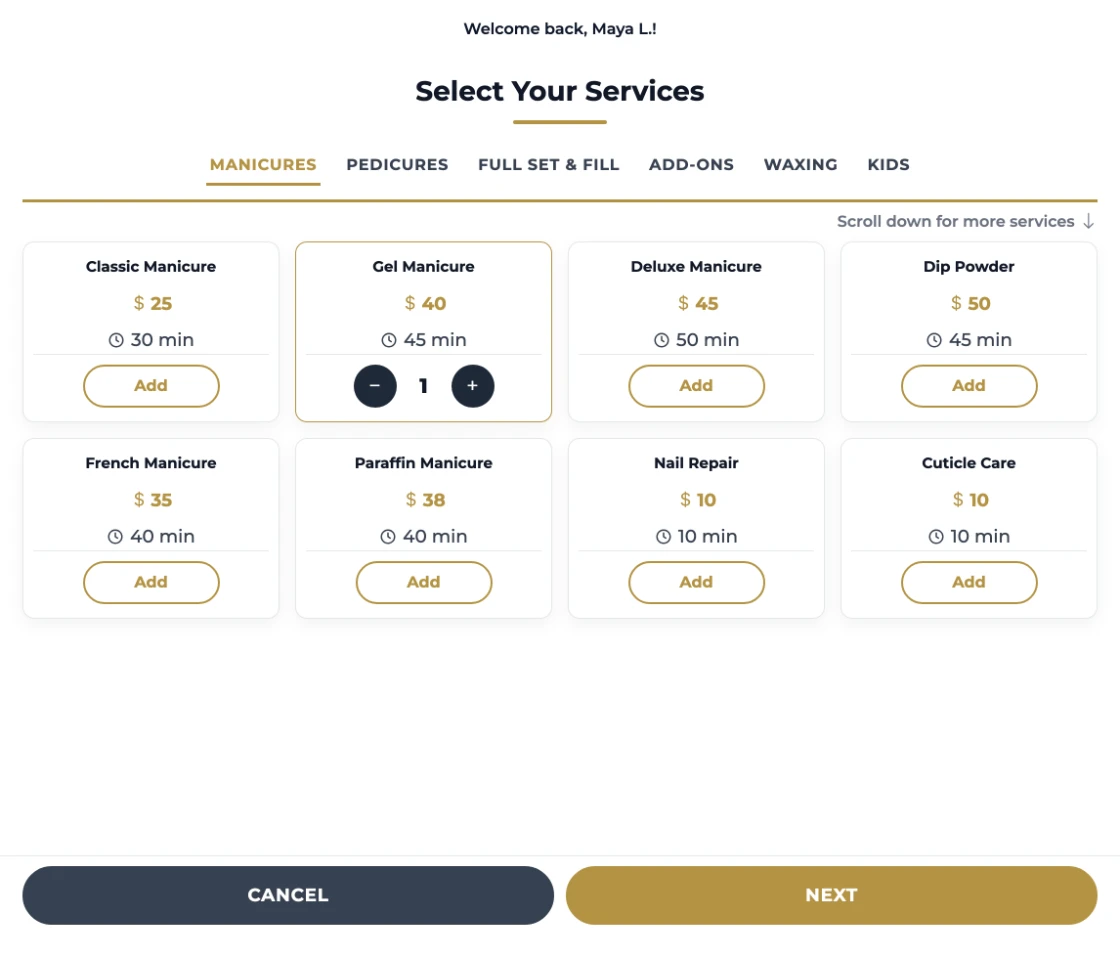
Your real menu, with the prices and durations you already charge, grouped by the categories you already use. What reaches the desk is a specific request instead of a rough idea to be untangled in conversation.
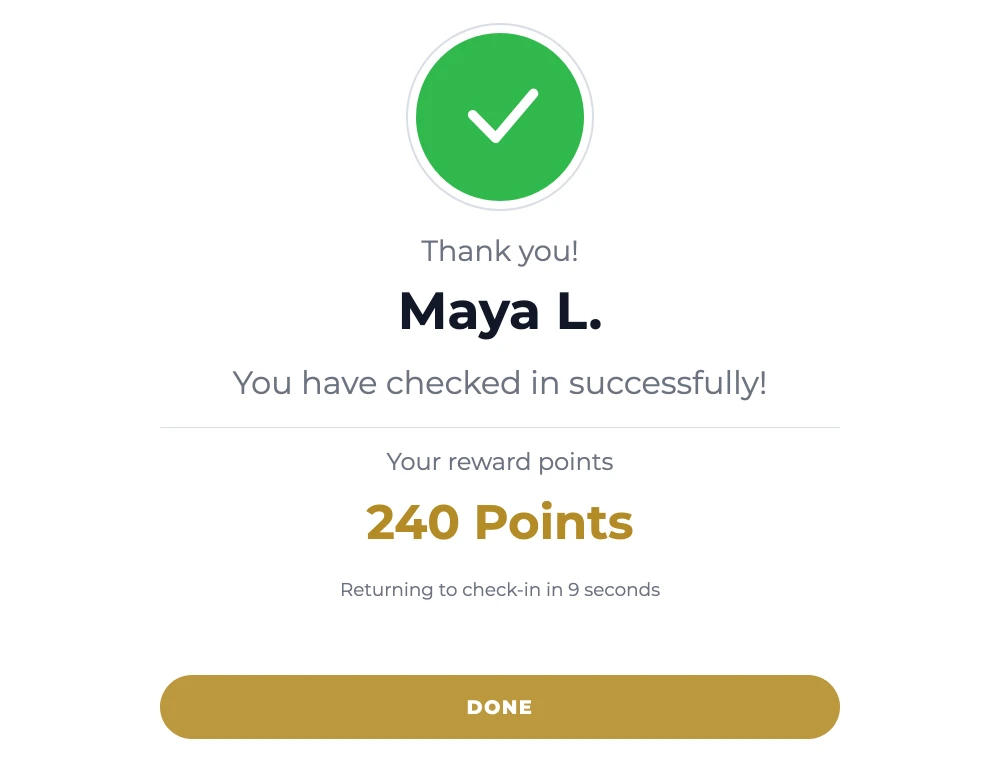
Aura confirms by name, shows the reward points already on the account, and resets itself for the next person in line. A guest who is sure it worked does not come to the desk to ask.
Some salons want detail. Some want it over in two taps.
Both are the same kiosk with a different setting. Advanced shows the full menu so guests add exactly what they want. Simple asks for categories only and suits walk-in-heavy salons that would rather have the conversation in person.
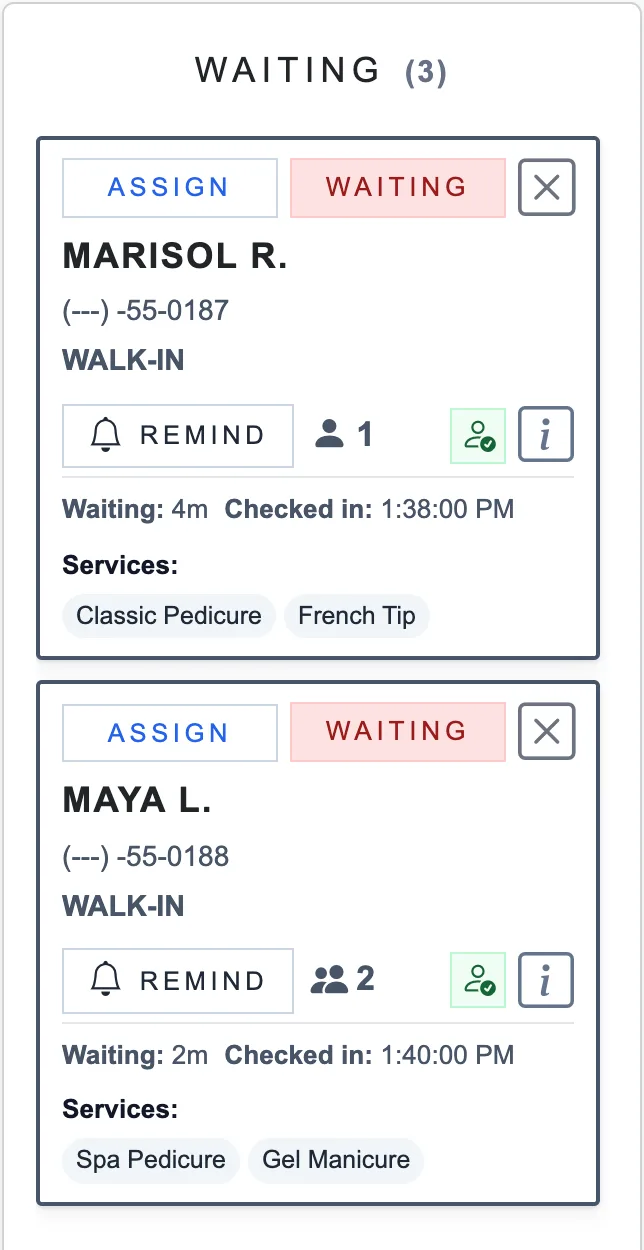
The check‑in lands on Turn Manager’s waiting list with the name, the party size and the requested services attached, ready to assign through the same turn rotation the rest of the salon works from. A guest who booked today is matched to that appointment; a walk-in is added to the day’s appointment book. Nobody retypes it. Nobody asks the guest to say it again.
Yes. When the phone number matches an appointment booked for today, the check‑in is linked to it, and the front desk queue shows it as an appointment with the booked services, plus the technician if they requested one.
Can walk-in clients choose services?
Yes. With the Advanced style they choose from your full menu; with Simple they pick categories. The salon chooses the style in check‑in settings.
Does the kiosk replace the front desk?
No. It reduces repetitive intake work while keeping staff in control of the queue, assignments, and salon policies.
What happens if the phone number is not recognized?
The guest is asked for a name and continues as a new customer. Check‑in is not blocked by a missing profile, and the salon ends up with the record either way.
Can we match the kiosk to our salon?
Yes. The kiosk greets guests with your salon’s name and logo, runs on a light or dark screen, and uses the service style you choose in check‑in settings.
Does the kiosk handle text-message consent?
Yes. The welcome screen carries the consent language, including the opt-out and message-rate wording. The guest’s choice is saved to their client profile with the date, the kiosk as its source, and the version of the wording they saw, and a returning guest starts from the choice they made last time.
See the kioskin your lobby
Walk through your salon’s check‑in flow with an Aura specialist.