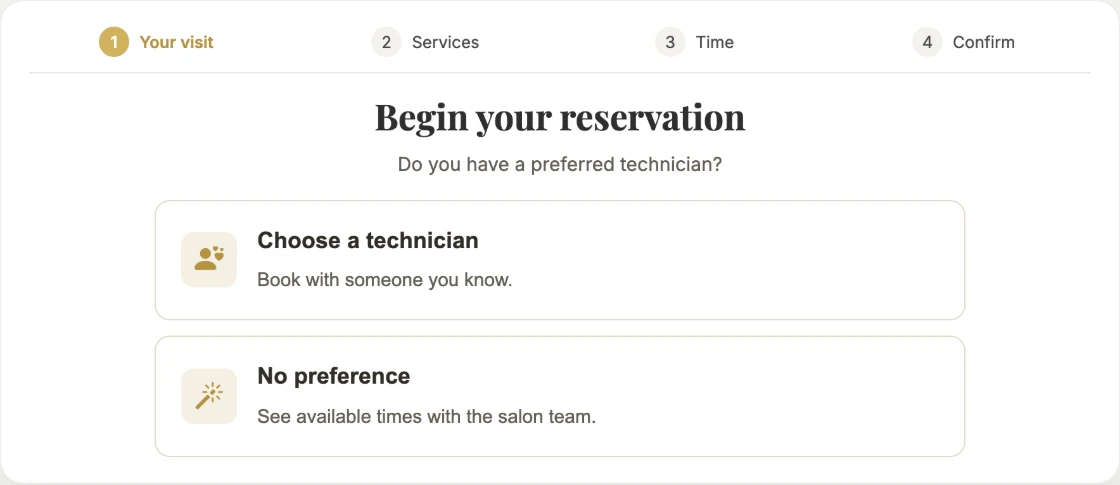
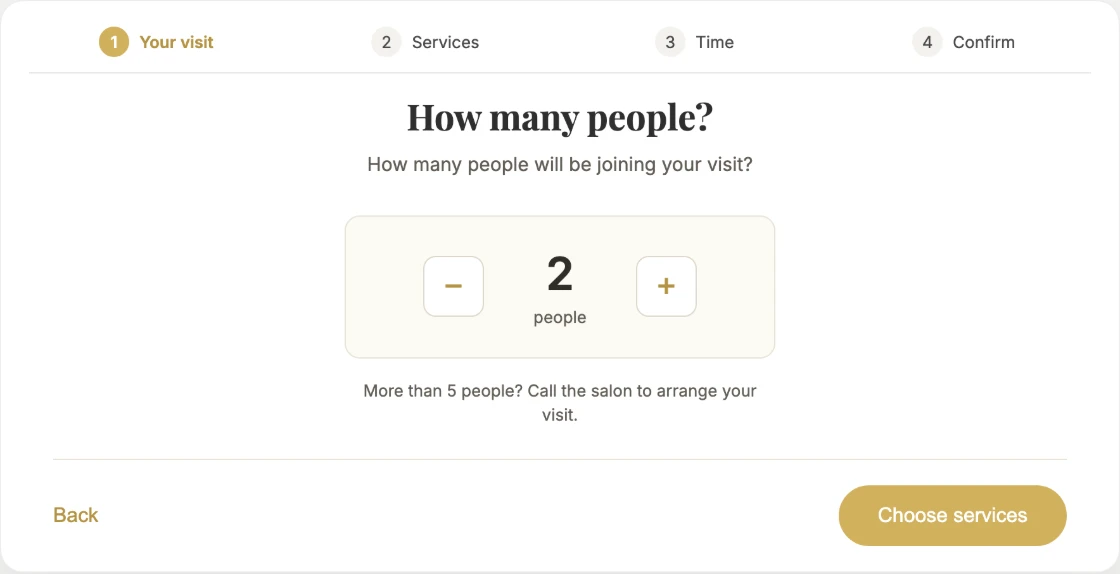
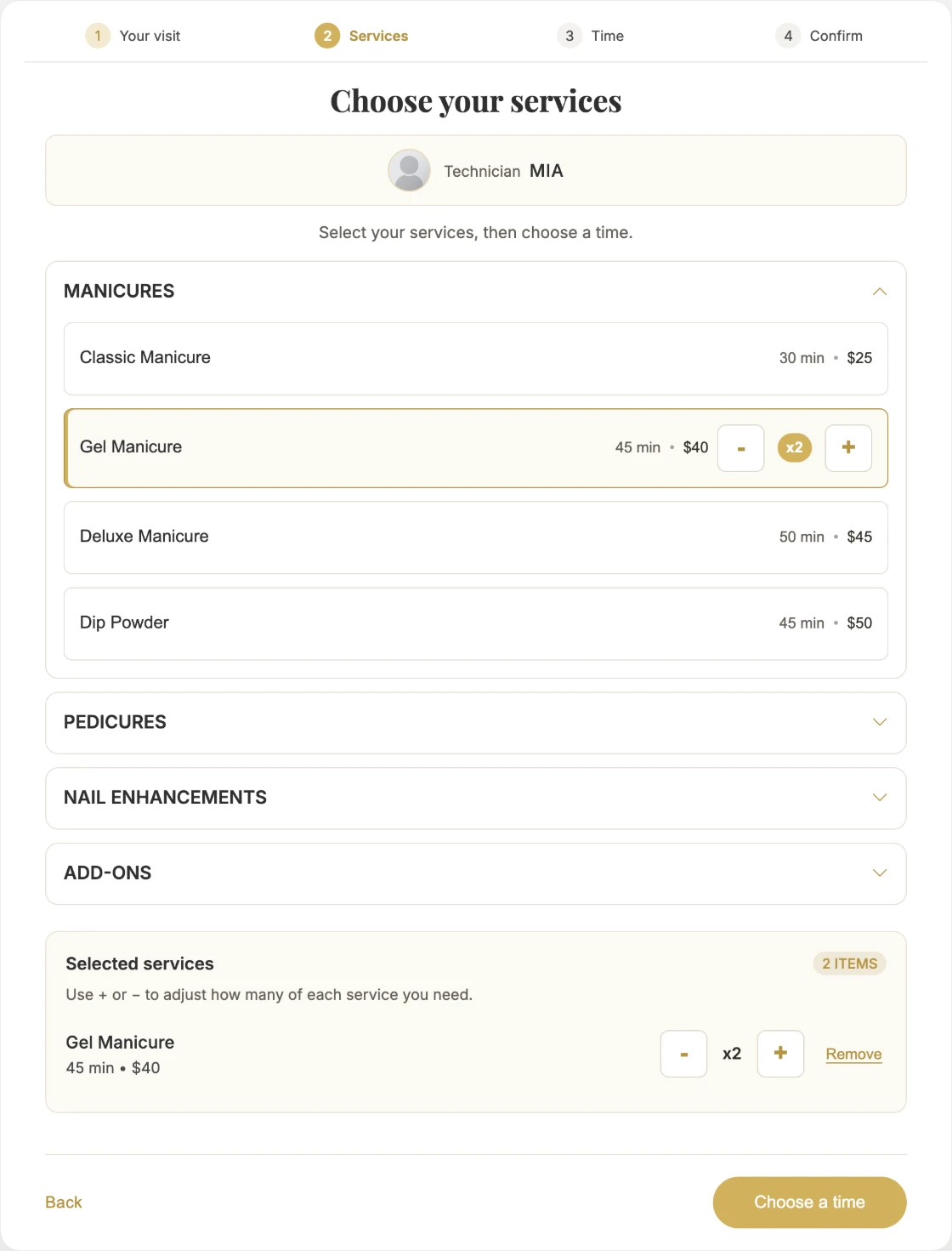
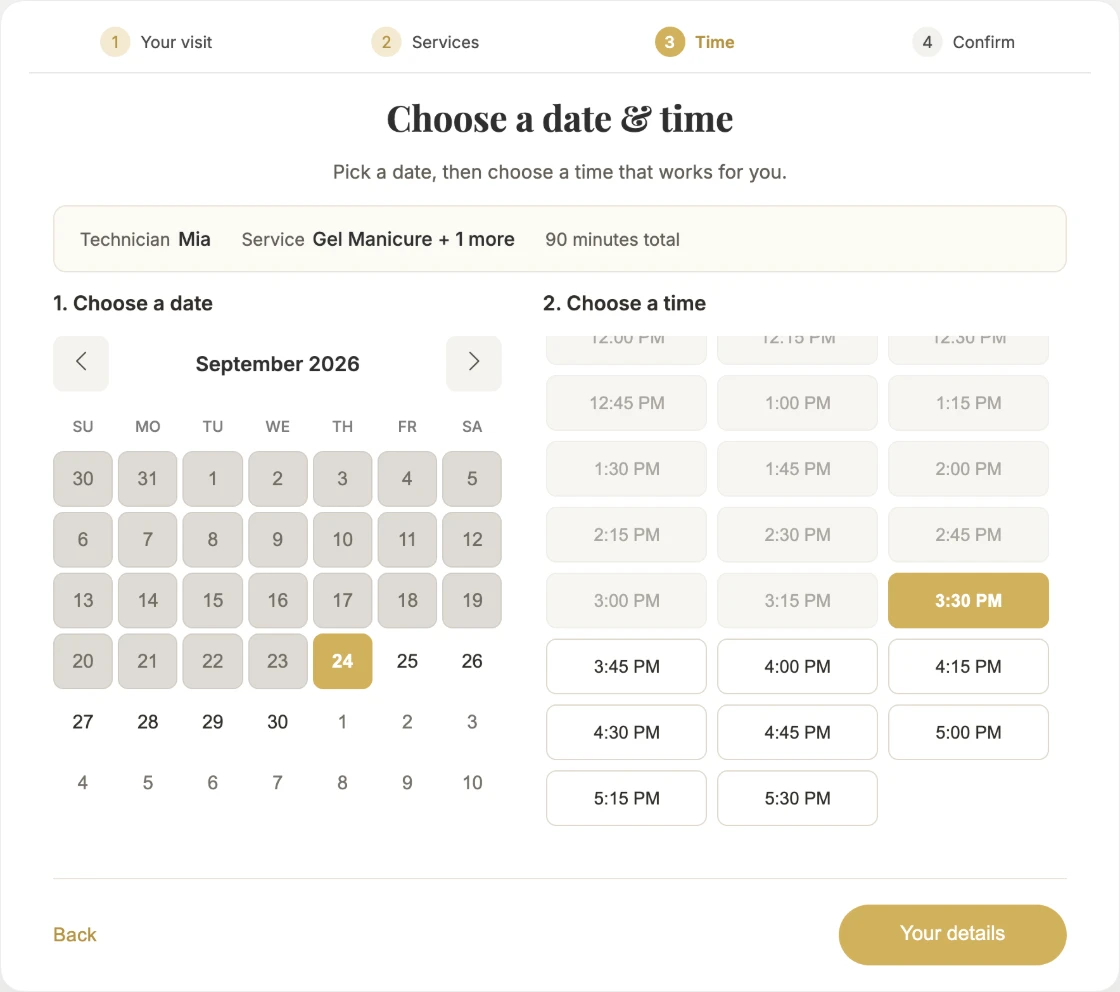
Clients pick a technician or anyone, choose from your real menu, and see only the times that are actually open. The booking lands in your appointment book as it happens.
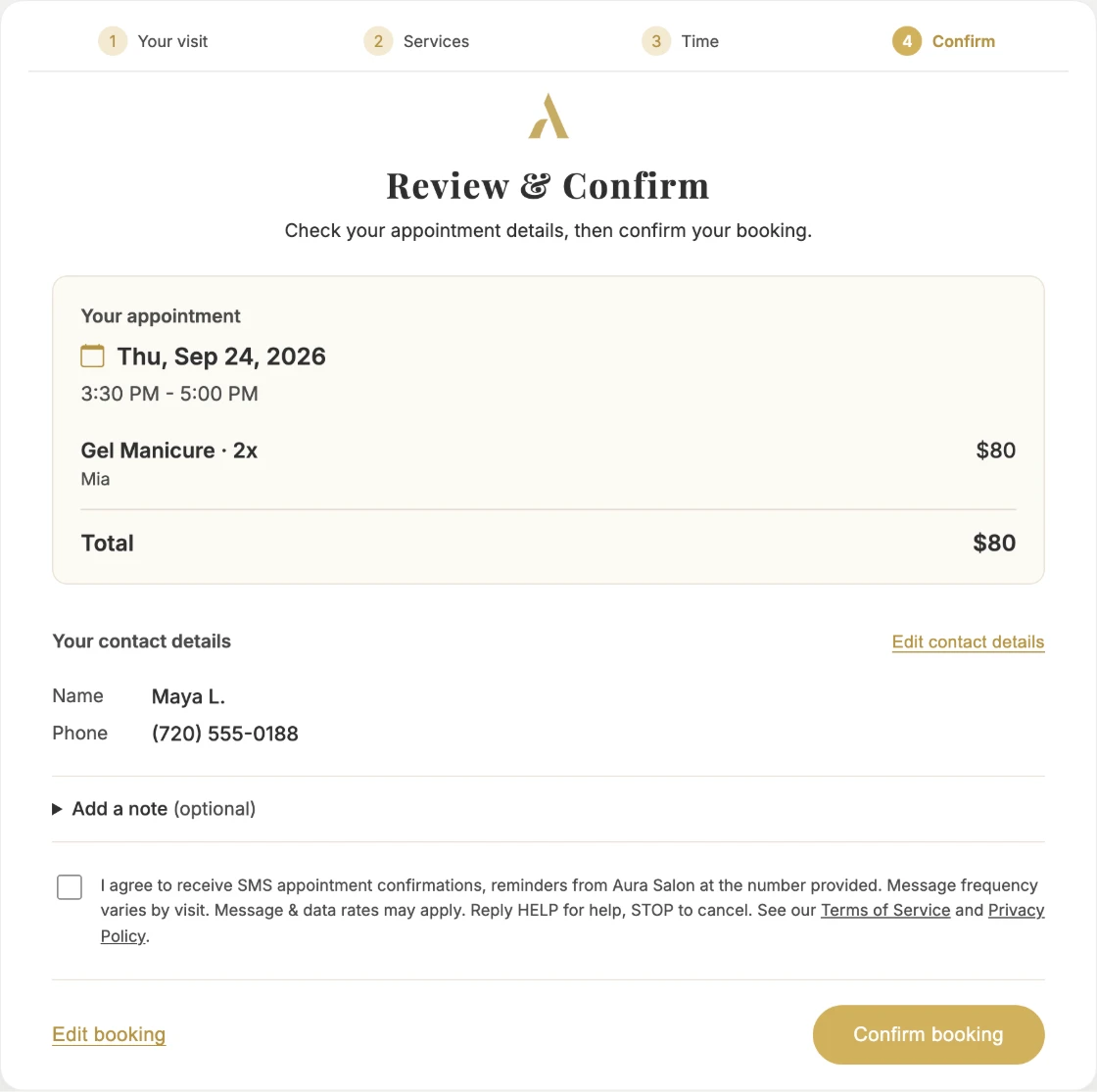
A name and phone number are the only details asked for. The client checks the appointment, adds a note if they like, and can agree to appointment texts from the salon before confirming.
Business hours, each technician’s hours and time off, holidays and special hours.
Lead time
How far ahead clients must book, set separately for requests and Anyone, plus a buffer around requested appointments.
Requests
Turn technician requests off and clients can still book Anyone.
On or off
Turn online booking off and the page tells clients it’s unavailable.
One link per location
Each location has its own booking page.
Where it lands
Straight into your appointment book
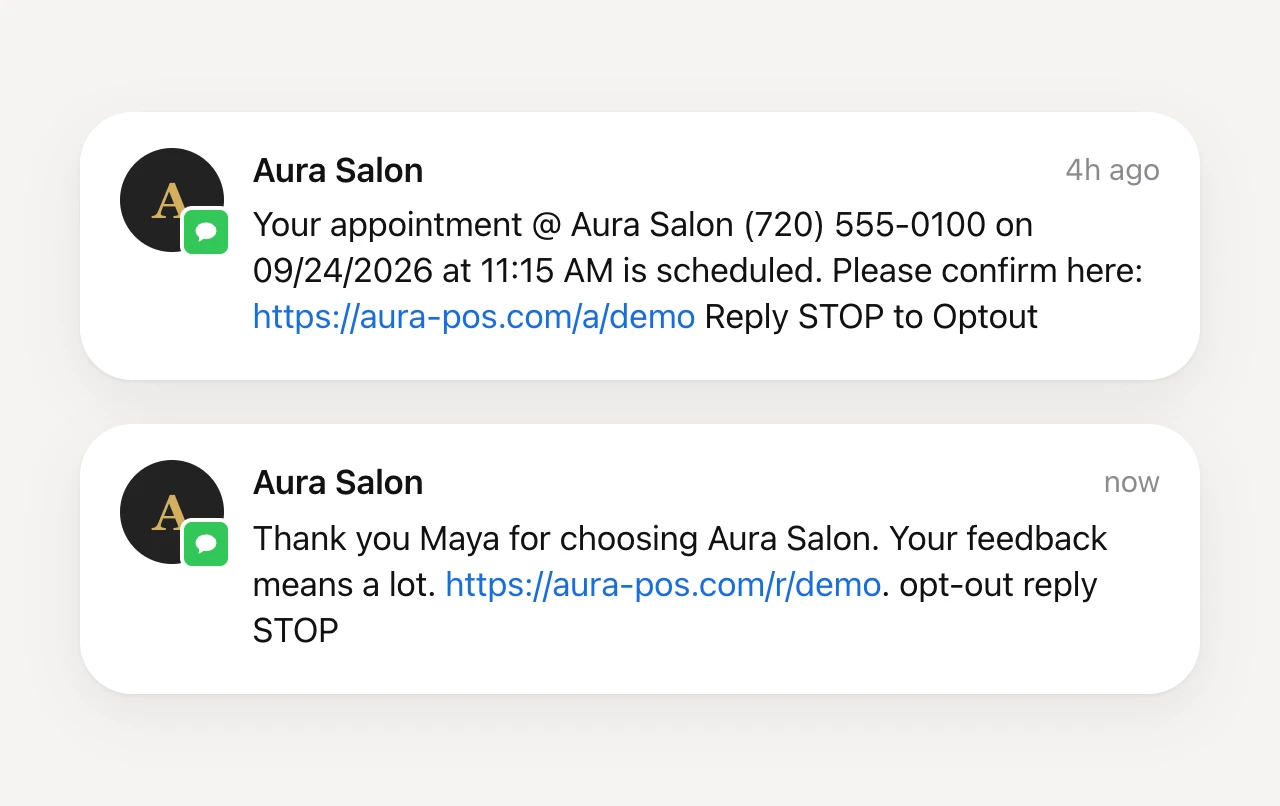
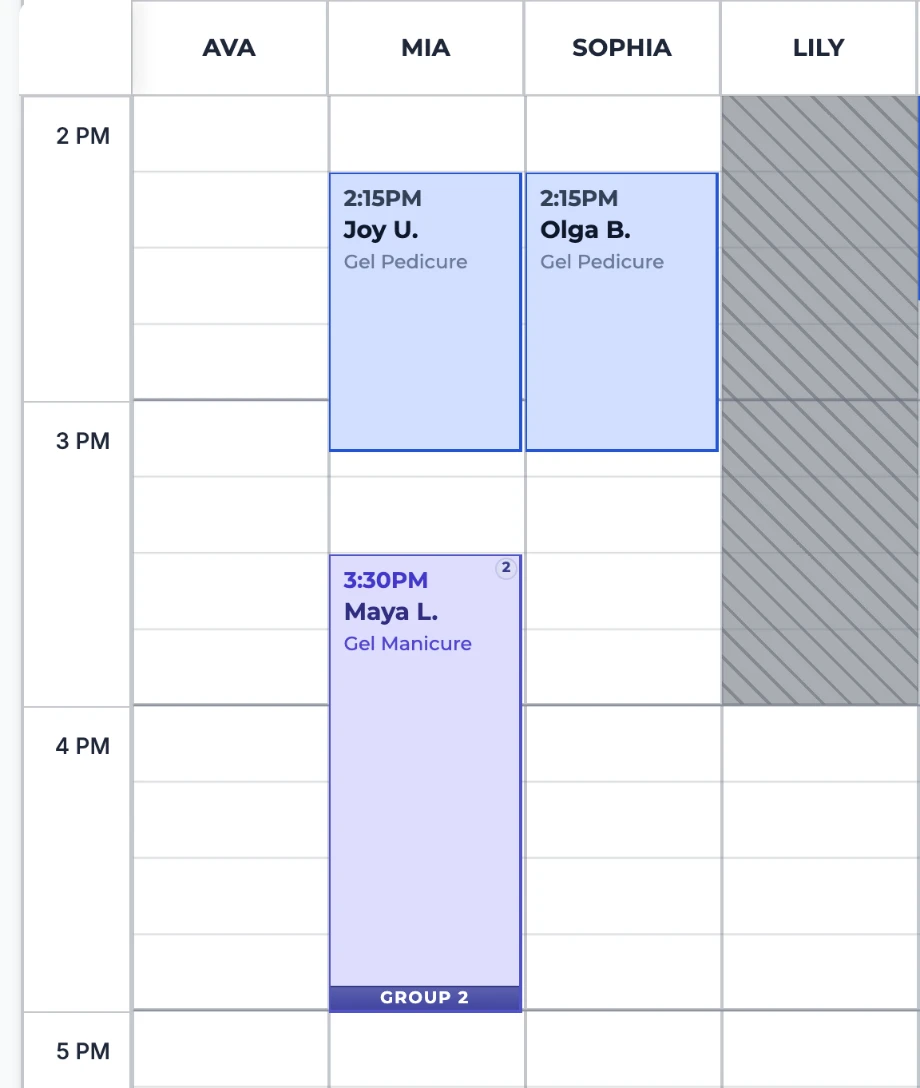
The booking appears in the technician’s column as an online request. Aura can text the client a confirmation with a link to confirm, and a reminder a day before; both are salon settings.