
Table of Contents
To switch your nail salon POS without losing customers, export everything from the old system before you cancel it, including guests, upcoming bookings, reward points and gift balances, check the import against the old system, and switch on a slow day at the start of a pay period. Keep the old system readable for a few weeks.
Most of what goes wrong in a switch is data nobody thought to export, and balances nobody checked. This guide is a list of both, in the order you need them.
We make nail salon software. Everything here except the last section applies whichever system you switch to.
What should you export before you cancel?
Everything, before you give notice. Some systems close access the day the account ends. Ask the old company for:
- Guests. Names, phone numbers, emails, birthdays and notes.
- Upcoming bookings. Every appointment from switch day on, with the technician and services.
- Reward points. Each guest's balance, matched by phone number.
- Gift cards and credits. Every unspent balance. These are money you owe.
- Your menu. Services, prices and how long each takes.
- Staff and pay. Each technician's commission or pay rate, and the last full pay period's report.
- Permission to text. Which guests agreed to receive texts, and when. Texting permission belongs to the guest, so bring the record, not just the number.
Open every file before you sign anything new. Exports are sometimes missing columns, cut short, or have phone numbers partly hidden. Finding that out on switch day is too late.
How do you check the import?
- Count. The number of guests, bookings and gift cards should match the old system.
- Add up the balances. Total reward points and total gift balances, old against new. If they don't match, find out why before anyone redeems.
- Spot-check ten guests. Pick regulars you know. Check their phone, their points and their next booking.
- Look for duplicates. The same guest under two phone numbers, or two guests sharing one, will split or merge points.
When should you switch?
On a slow day, at the start of a pay period. A slow day gives the front desk room to learn. The start of a pay period means each technician's pay comes from one system, not two halves.
| When | What to do |
|---|---|
| Four weeks out | Export everything and open every file. Read your processing contract. Pick switch day: slow, at the start of a pay period. |
| Two weeks out | Set up the menu, staff, pay rates and turn rules. Import guests, points, gift balances and bookings. Check the counts and totals. |
| One week out | Train the front desk, then the technicians. Do a few practice tickets. Export again to catch anything new since the first export. |
| Switch day | Start on the new system. Keep the paper turn list beside it. Update your booking link on Google, Instagram and Facebook. |
| First week | Spot-check balances as guests redeem. Run the first payroll and compare it with the old report. Keep the old system readable. |
How do you get the team ready?
Train the front desk first, then the technicians. Set up your real turn rules, menu and staff before the training, so people learn on what they will use. Keep the paper turn list next to the screen for the first day or two. If the two disagree, find out why before the weekend.
Tell technicians what changes for them: where they see their turns, how tips reach them, and how their pay is worked out. Most worry about pay first.
What about card processing?
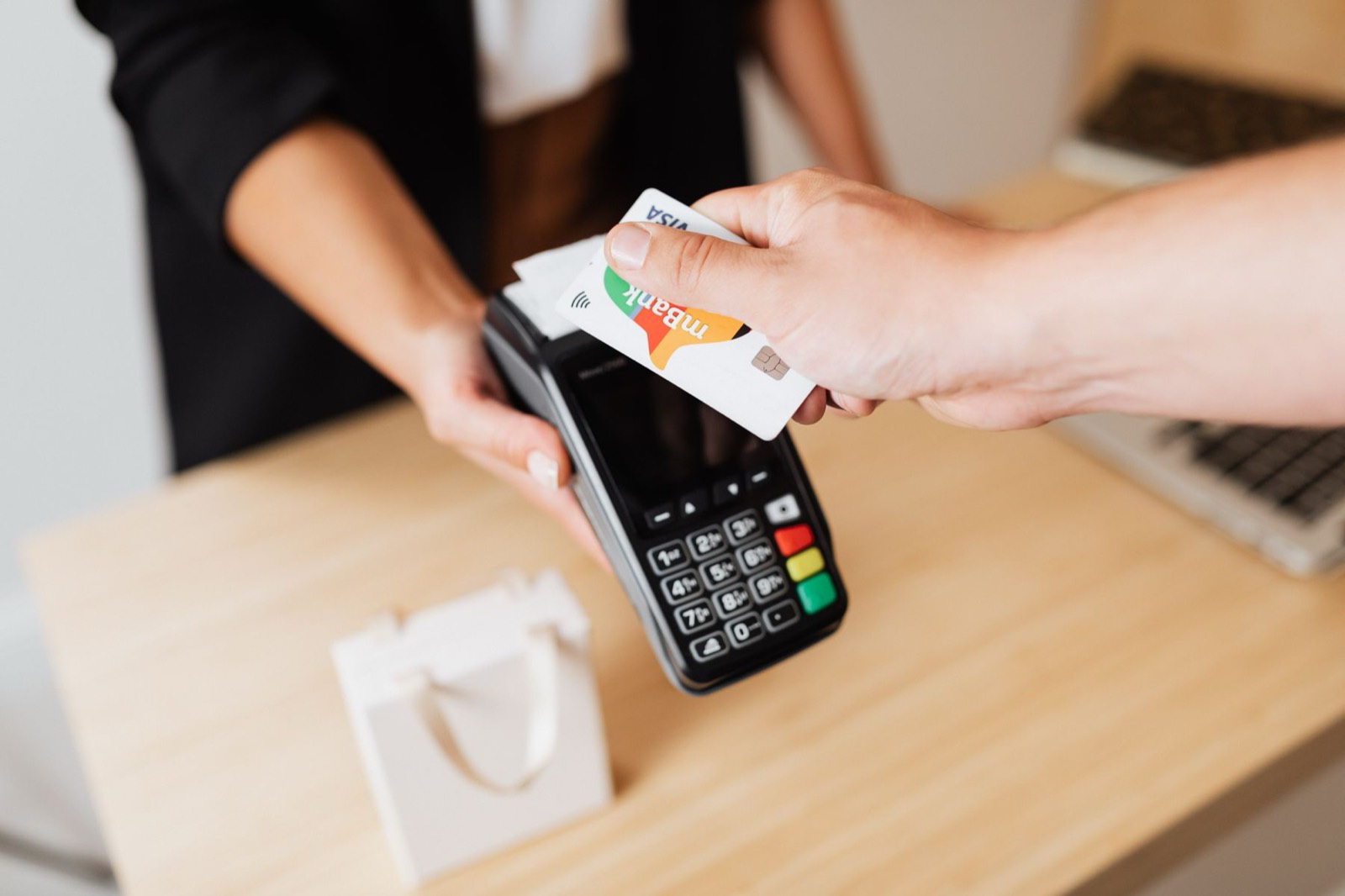
Changing software often means changing how you take cards. Before you switch, read your processing contract for an early-termination fee and check whether your card terminal is owned or leased. Then decide whether to change processor on the same day or later. Changing both at once is more to learn on one day.
What should guests notice?
Ideally, only good things: their points are there, their next booking is there, and texts still come from the salon. If your texting number changes, guests who saved the old one may not recognize the new one, so say it in the first message. Update your booking link on Google, Instagram and Facebook on switch day.
How Aura handles this
Aura runs on the computers and tablets you already have, and you can see it with your own turn rules and menu before you switch.
- Your guests come with you. Send us the export from your old system and Aura moves your client list and each guest's reward points for you. Check the totals with us before switch day, the same way this guide describes.
- Hardware. The front desk, check-in and checkout run in a web browser. A small Printer Agent for Windows or Android connects an Epson receipt printer and cash drawer.
- A demo with your rules. Book a demo and walk through your own turn rules and menu with an Aura specialist. On the Enterprise plan, you can try Aura free for 14 days.
- Vietnamese. The Turn Manager can be switched to Vietnamese in Settings, and you can call us in Vietnamese at +1 (304) 552-5270.
- More than one location. Each location runs on its own Aura account, with its own staff, services and turn board.
FAQ
How do I switch nail salon POS systems?
Export everything from the old system before you cancel, check the import against it, and switch on a slow day at the start of a pay period.
What data should I export from my old salon software?
Guests, upcoming bookings, reward points, gift balances, your menu, staff pay rates and who agreed to receive texts.
Will my customers lose their reward points?
Not if you export each balance, import it by phone number, and check the totals match before anyone redeems.
When is the best time to switch?
A slow day at the start of a pay period, so the front desk has room to learn and pay comes from one system.
Do I need to change my card processor too?
Not always. Read your contract for an early-termination fee and check whether your terminal is leased before you decide.
How long should I keep the old system?
Keep it readable for a few weeks after switch day, until every balance and booking has been checked.
If something here doesn't match how your salon works, tell us at support@aura-pos.com.